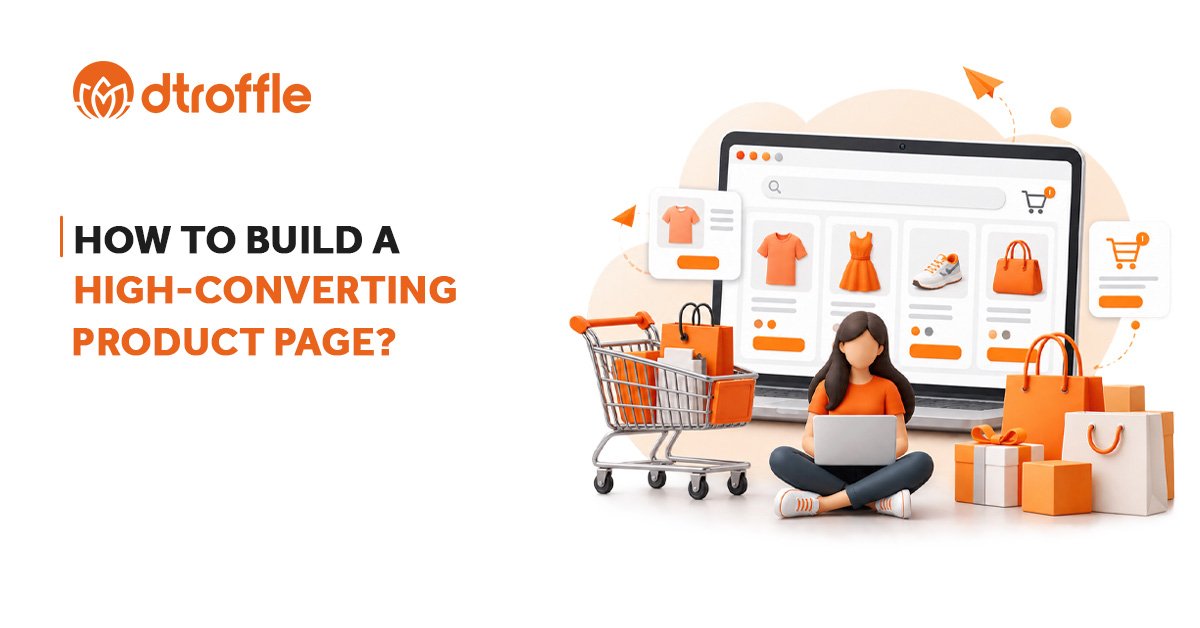

Getting people to your online store is only the first step. What happens when they reach a product page can determine whether they buy, keep browsing, or leave.
A good product page should answer the customer’s important questions, explain why the product is useful, build trust, and make the next step easy.
This is why Product Page Optimization is an important part of improving conversions for an online store. Current ecommerce guidance commonly focuses on clear product information, strong visuals, reviews, visible calls to action, mobile usability, and reducing customer hesitation.
1. Start With A Clear Product Title
The product title should immediately tell customers what they are looking at.
Avoid titles that are too vague or creative to understand.
For example:
“The Everyday Essential” ❌
“Women’s Cotton Oversized T-Shirt” ✅
A clear product name helps customers understand the product quickly and can also provide useful information for search engines.
2. Use High-Quality Product Images
Customers cannot physically touch or examine a product when shopping online, so images have an important role in the buying decision.
Use clear images that show the product from different angles. Where relevant, include both product photographs and lifestyle images that show the product being used.
You can also consider features such as zoom, videos, or 360-degree views when they genuinely help customers understand the product.
Your images should answer questions such as:
- What does it look like?
- What does it look like from different angles?
- How big is it?
- How does it look when used?
3. Write Product Descriptions That Focus On Benefits
A product description should do more than list features.
Instead of only saying:
“Made with 100% cotton fabric.”
Explain why that matters:
“Made with soft 100% cotton fabric for comfortable everyday wear.”
Start with the most important information and make the description easy to scan.
Use short paragraphs, bullet points, and clear headings where appropriate.
A good product description should help customers understand what the product does, who it is for, and why they should consider it.
4. Make The Price And Variants Easy To Understand
Customers should not have to search for the price, available sizes, colors, or other product options.
Make important information easy to find, including:
- Product price
- Discounts, when applicable
- Available sizes
- Available colors
- Product variants
- Stock availability
- Additional charges, where relevant
If a product has multiple variants, make the selection process simple and clear.
Google also supports structured data for product variants, which can help it understand relationships between different versions of the same product.
5. Use A Clear Add To Cart Button
Once customers have decided they want the product, the next step should be obvious.
Your Add To Cart or purchase button should be easy to find and clearly communicate what happens when it is clicked.
Don’t make customers search through the page to find the primary action.
For longer product pages, keeping the purchase action accessible can also make it easier for customers to act when they are ready.
6. Add Reviews And Social Proof
Customers often want reassurance before purchasing a product they have never bought before.
Customer reviews, ratings, testimonials, and customer photos can help answer that question:
“Can I trust this product?”
Place reviews where customers can easily find them instead of hiding them at the very bottom of the page.
Reviews can also provide information that your own product description may not cover, such as fit, usability, quality, or real-world experience.
7. Answer Customer Questions Before They Leave
Think about the questions a customer might have before buying.
For example:
- What are the dimensions?
- What material is it made from?
- How does the sizing work?
- How long will delivery take?
- Can I return it?
- Is there a warranty?
- How should I use or maintain it?
If customers have to leave your product page to find these answers, you create another opportunity for them to abandon the purchase.
Add useful information directly to the product page through FAQs, shipping information, size guides, return policies, or product specifications.
8. Build Trust Around The Purchase
Customers need to feel comfortable before entering their payment details.
Depending on your business, useful trust signals can include:
- Clear return and refund information
- Shipping details
- Secure payment information
- Warranty details
- Customer reviews
- Contact information
- Clear business information
The goal is simple: remove unnecessary doubt before the customer reaches checkout.
9. Design For Mobile First
A large number of customers browse online stores using smartphones, so your product page should work well on smaller screens.
Check whether customers can easily:
- View product images
- Read the product information
- Select variants
- See the price
- Find reviews
- Click Add To Cart
- Understand shipping and returns
A page that looks good on desktop but becomes difficult to use on mobile can create unnecessary friction. Mobile usability is also highlighted as an important part of current product page optimization guidance.
10. Optimize Your Product Page For Search
Your product page also needs to be discoverable.
Use relevant product information in places such as:
- Page title
- Product name
- Product description
- Image alt text
- URL
- Structured data
For products that can be purchased directly from your website, Google supports Product structured data that can make product information such as price, availability, shipping, and reviews eligible for richer appearances in Google Search and other shopping experiences.
But SEO should not come at the expense of the customer experience. The page still needs to be clear, useful, and easy to navigate.
Conclusion
A high-converting product page is not created by adding more elements to the page.
It is about giving customers the information they need, answering their questions, building trust, and making the buying process simple.
Start with the basics:
Clear Product Title → Strong Images → Useful Description → Easy Variant Selection → Visible CTA → Reviews → Trust Signals → Mobile-Friendly Experience
Your product page should do more than display a product.
It should help the customer feel confident about buying it.